Free · open source · tokens never leave your machine
Switch Claude accounts without logging out.
Work account, personal account, client account — saved as profiles, swapped in two clicks. No /logout, no /login, no fishing for the verification code again.
Claude Code supports one login at a time. If you juggle two accounts, you know the ritual. This replaces it.
Profiles, not re-logins
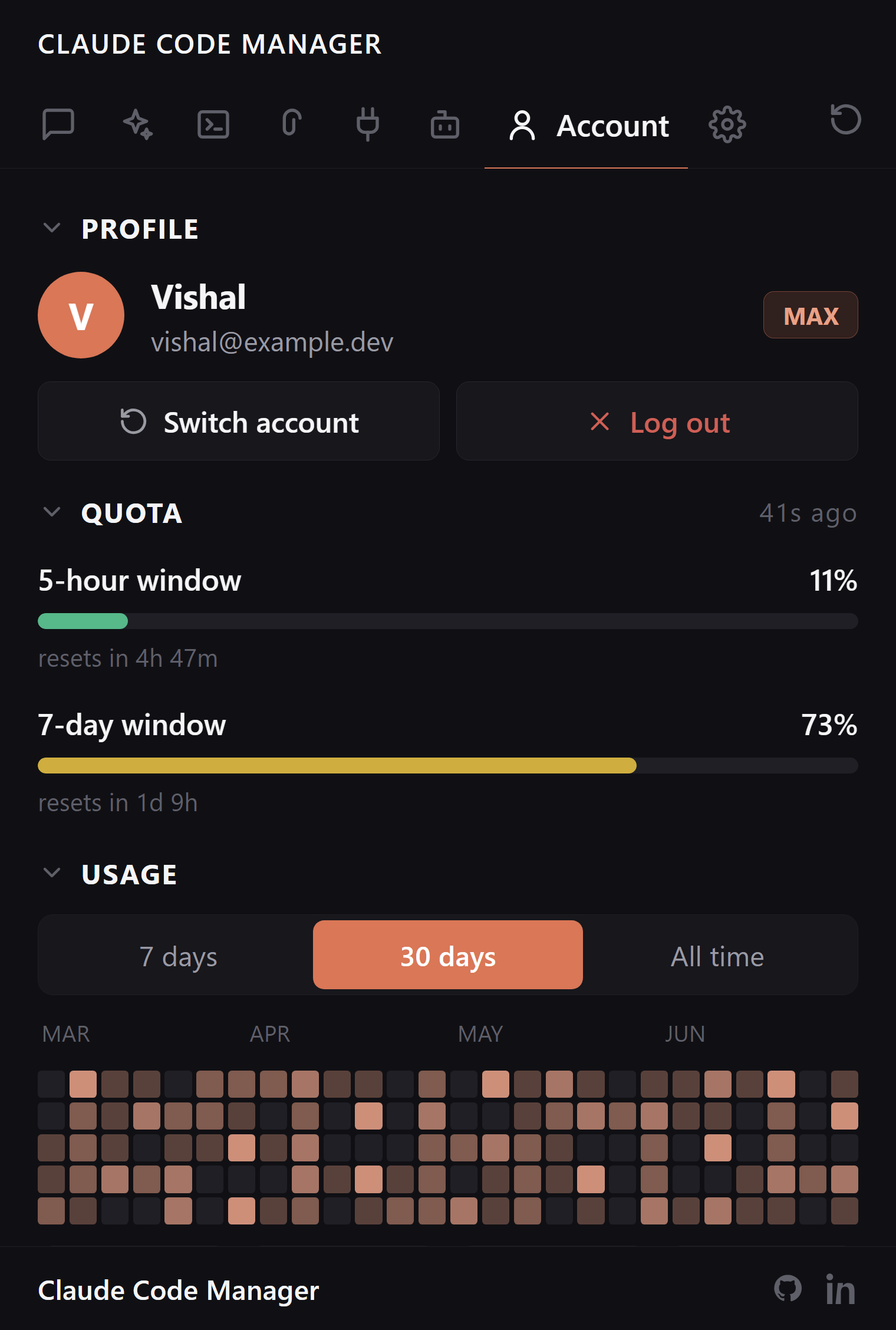
Save the account you're logged into as a named profile. Later, switch back to it in two clicks — from the sidebar or straight from the command palette. Credentials swap on disk; sessions, skills, and settings stay exactly where they were.
Save unlimited named profiles
Swap from sidebar or command palette
Sessions and settings untouched by a switch
Stored the way Claude stores it
Profiles live in ~/.claude/manager-accounts/ in the same format Claude CLI itself uses — no encryption theater, no cloud sync, no invented credential store. The extension tells you exactly this before saving the first profile, once.
Local files only, plain CLI format
Nothing uploaded, ever
You're told exactly what's stored, and where
Interruption-proof
If a swap gets interrupted mid-way — VS Code closes, machine sleeps — the previous identity is preserved as a backup, and you choose: restore it, discard it, or decide later. A half-finished switch never locks you out of Claude.
Automatic backup of the outgoing account
Restore / discard / decide-later prompt
Config restore from Claude's own backups too
FAQ:
Account questions, answered.
How do I switch Claude accounts without logging out?
Save each login as a named profile. Switching swaps the stored credentials on disk — no /logout, no /login, no verification codes. Sessions and settings stay put.
Can I use separate work and personal accounts in VS Code?
Yes — that's the main use case. Save both as profiles, swap in two clicks.
Where are saved profiles stored?
Locally, in ~/.claude/manager-accounts/, in the same plain format Claude CLI uses. Nothing is uploaded. Treat the folder as sensitive, like ~/.claude.json itself.
What if a switch gets interrupted?
The previous account's identity is kept as a backup, and the extension offers restore, discard, or decide-later. You're never locked out by a half-finished swap.
How is this different from claude-swap?
Same idea, different home. claude-swap is a solid CLI for swapping Claude logins; Claude Code Manager puts the same profile switching in a VS Code sidebar next to your sessions, usage, and MCP servers, and backs up the credential file before each swap so an interrupted switch cannot leave you logged out of both accounts.
Two accounts. Two clicks.
Free, open source, reads only your local ~/.claude/.