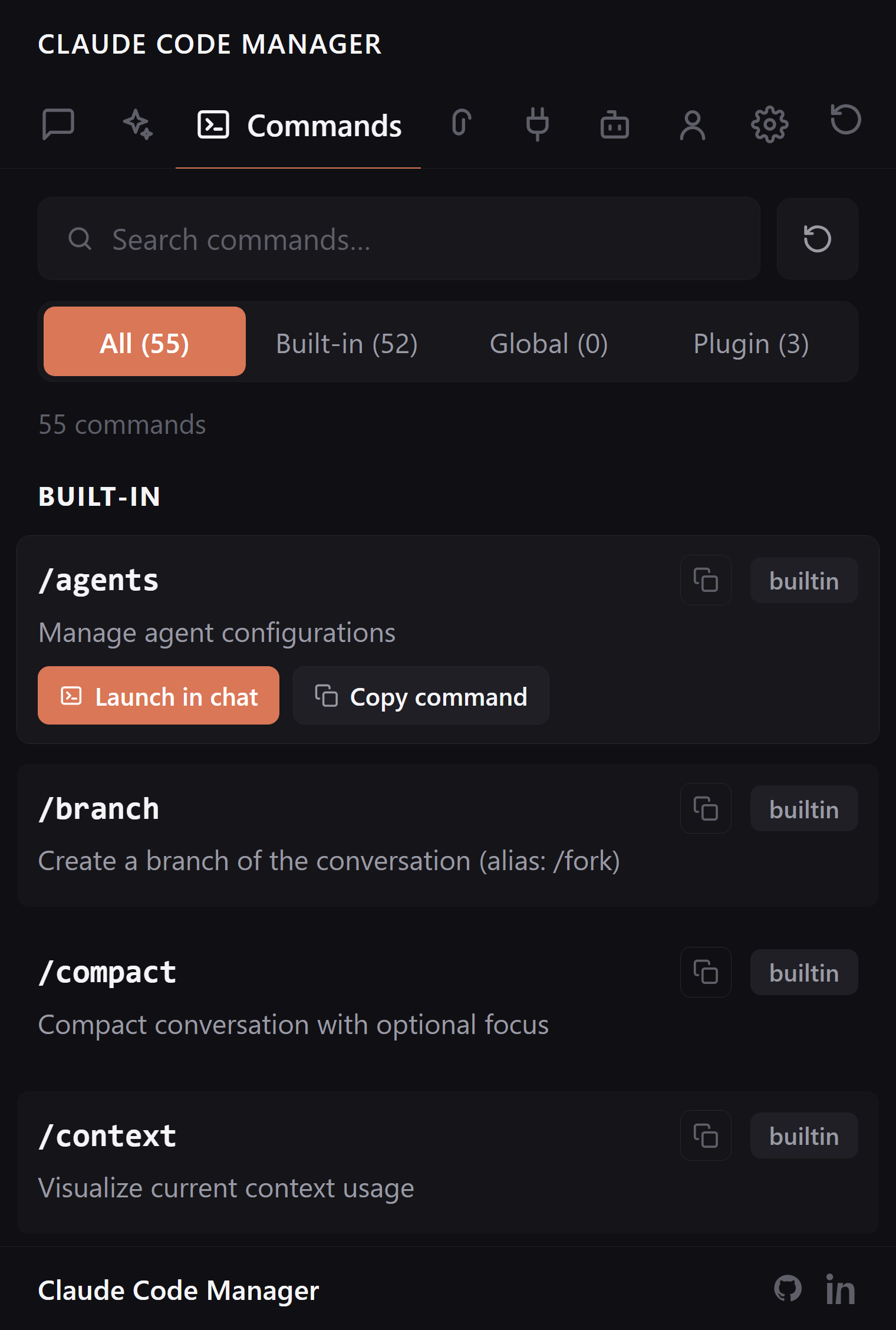
The Claude Code slash command manager for VS Code.
Every built-in and custom slash command in one sidebar — preview what each one does, then run it. No memorizing names, no re-reading the docs to find the command you set up last month.
Built-in commands, your custom ones in .claude/commands/, and commands plugins add — all browsable in one place, each with a preview of what it runs.
Built-in and custom, side by side
The commands Claude Code ships and the ones you wrote sit in the same list, tagged by scope. No more forgetting the name of that command you built two projects ago.
Built-in, custom, and plugin commands unified
Scope badge on every command
Global and project commands both covered
Preview, then run
See what a command actually does before you fire it — the prompt or steps behind the slash name. Then run it straight from the sidebar instead of typing it out.
Read the definition before running
Run without retyping the slash name
Read-only: never edits your command files
FAQ:
Command questions, answered.
Which slash commands does it show?
Both kinds: built-in Claude Code commands and your custom ones in ~/.claude/commands/ and .claude/commands/, plus plugin commands. Each tagged by scope.
Can I run a command from the sidebar?
Yes. Pick it from the list and run — no typing the slash name from memory. Preview what it does first.
Can I see what a custom command does?
Yes. Every command shows its definition, so you can read the prompt or steps before invoking it.
Is it 100% local?
Yes. It reads your local ~/.claude/ and project .claude/ and renders under a strict CSP. No network, no telemetry, no stored credentials.
Stop memorizing slash names. Just browse.
Free, open source, reads only your local ~/.claude/.